What to do when you sit down at a desk that was not set up for you

Nicola Tik
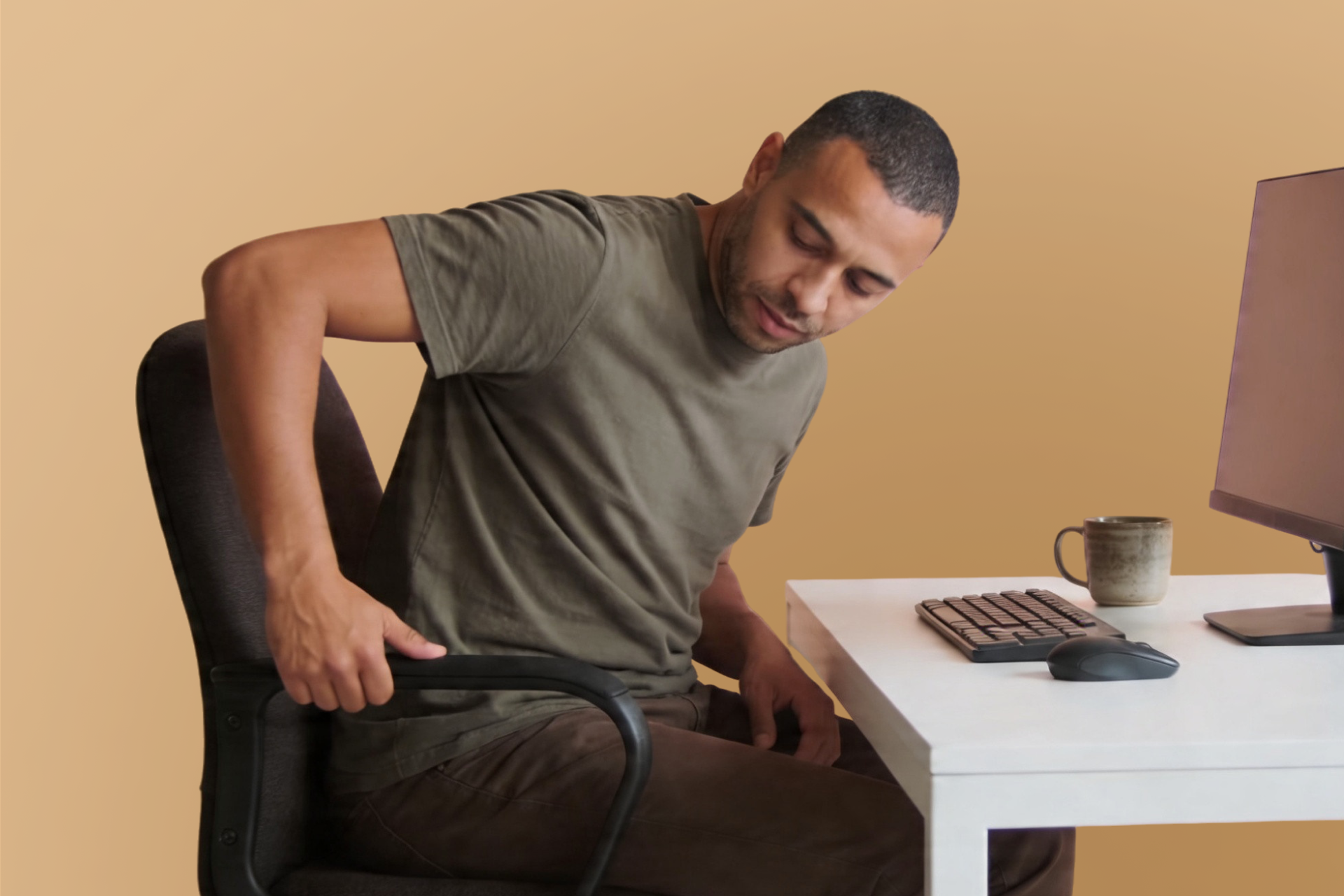
Whether you are hot desking, working from a shared office, or returning to your usual desk to find someone has adjusted everything while you were away, sitting down at a workstation that was not set up for your body is one of the most common and most overlooked sources of daily MSK discomfort. Most people sit down, notice something feels slightly off, and carry on regardless. By the end of the day the neck aches, the lower back is complaining, and the shoulders are tight. A few quick adjustments at the start of the session can prevent most of that from happening.
A desk setup that works well for one person can be significantly misaligned for another. Chair height, screen distance, keyboard position, and monitor angle are all set to suit whoever used the space before you, and the differences between what works for different bodies can be considerable. Sitting in a position that is even modestly wrong for your body for several hours places the neck, shoulders, lower back, and hips under sustained and unnecessary load that accumulates through the day.
The good news is that most shared workspaces have enough adjustability built in to get things reasonably right in a few minutes. Knowing what to adjust and in what order makes the process quick enough to do consistently rather than occasionally.
Start with the chair. Everything else depends on getting this roughly right first. Sit back in the seat so your back is supported. Adjust the height so your feet rest flat on the floor and your knees are at roughly a right angle. If the chair is too high and cannot be lowered, a footrest or a folded bag under the feet works as a practical substitute. If the chair is too low and cannot be raised, a firm cushion or folded jacket on the seat is worth trying.
Check the lumbar support if the chair has it. It should sit in the curve of the lower back rather than in the middle of the back or not at all. A rolled jacket or small cushion does the same job if the chair offers no adjustment.
Then adjust the screen. With the chair sorted, the screen position is next. The top of the screen should be roughly at eye level, close enough that you can read it clearly without leaning forward, typically around an arm's length away. If the screen is too low and cannot be raised, a stable object underneath it, a laptop stand, a ream of paper, or a sturdy book, lifts it enough to make a meaningful difference. If it is too high, lower the chair slightly and use a footrest to compensate.
If you hot desk regularly, it is worth trying the VIDA hot desking assessment. It uses your webcam to assess your screen height and distance in real time, giving you a personalised read on how your current setup is working for your body rather than relying on general guidelines alone. It takes only two minutes and is particularly useful when you are working from an unfamiliar desk.
Then the keyboard and mouse. These should sit close enough that the elbows are roughly at a right angle and the shoulders are not elevated or reaching forward to use them. If the keyboard is too far away, pull it closer. If the mouse is on the wrong side for you, move it.
Not every shared chair is adjustable, and some simply will not work well for your body regardless of how much you fiddle with them. In that case, taking more frequent movement breaks, standing for portions of the day where possible, and shifting position regularly through the session reduces the impact considerably. A portable lumbar cushion is worth keeping in your bag if hot desking is a regular part of your working week. It is one of the simplest ways to ensure at least one element of the setup is consistent wherever you sit.
Open offices and shared workspaces often come with noise, distraction, and the need to concentrate harder than in a quieter environment. As covered in the hearing impairment and dyslexia articles in this series, sustained concentration effort produces physical tension in the jaw, face, neck, and shoulders that adds to the postural load of the day.
In a shared workspace this tends to mean that the physical cost of the day is higher than it would be in a quieter, more controlled environment, even if the physical setup is identical. Building in more frequent short breaks, being aware of jaw and shoulder tension building through periods of concentrated work, and choosing quieter areas of the space for more demanding tasks where possible all help manage this additional load.
If you work at a fixed desk and regularly find that colleagues have adjusted the chair, screen, or keyboard while using your space, keeping a brief mental note of your preferred settings makes resetting quick. Some people find it useful to mark their chair height with a small piece of tape so it can be returned to the right position without guessing.
Resetting a familiar desk takes less than two minutes once the adjustments are known. Making the reset a consistent habit at the start of each working session, rather than something done occasionally when discomfort becomes noticeable, means the body is never spending significant time in a position that does not suit it.