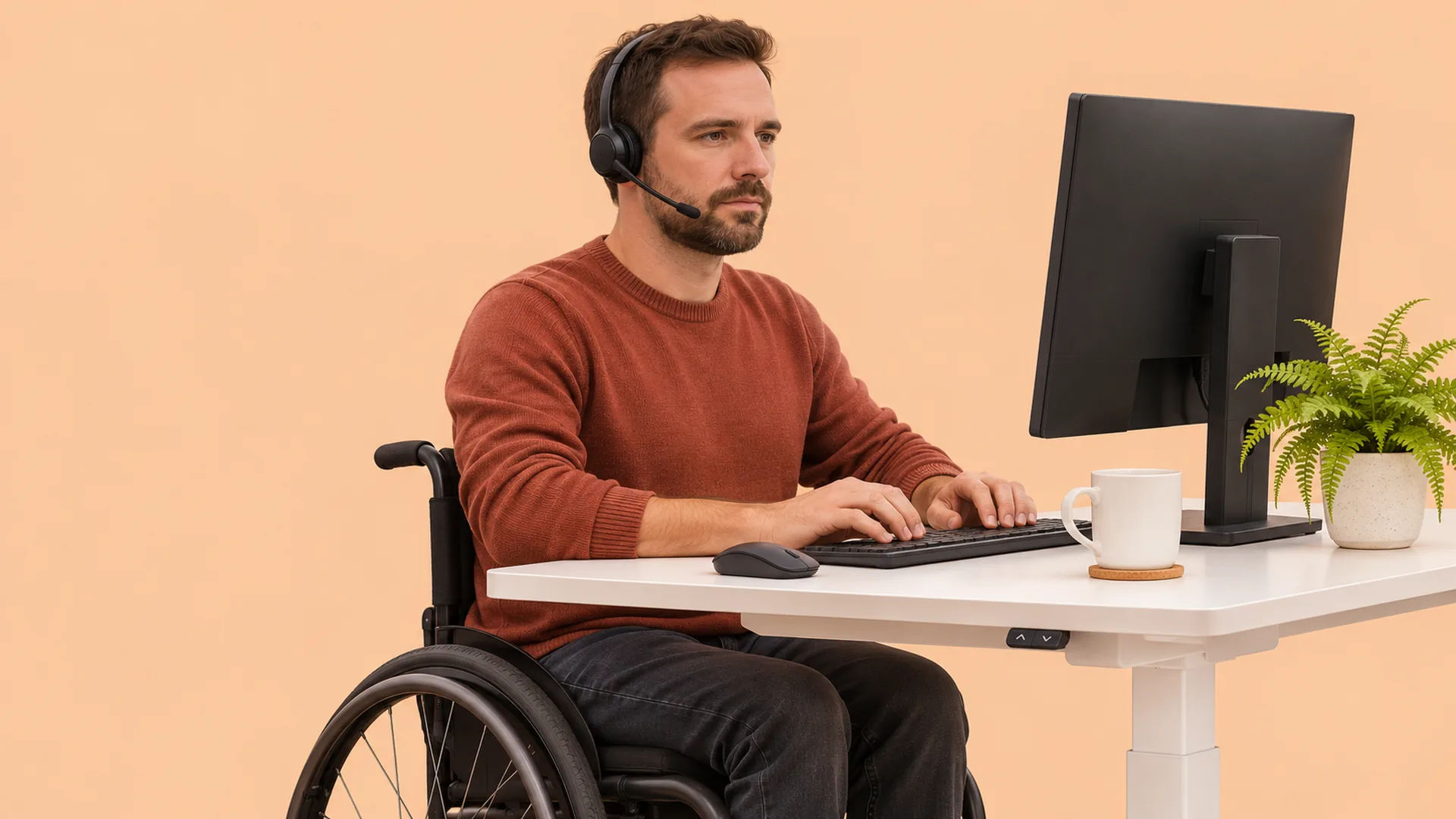
Setting up your desk when you use a wheelchair

Dr Nicola Tik
Many office desks and workstations are designed with standard chairs in mind, which can leave you reaching, twisting or looking at a screen from an awkward angle. Over a long working day, that can add up to aches in your neck, shoulders or wrists. A few adjustments to your desk height, screen position and reach can make your set-up work better for you.
When you use a wheelchair, your seated position is set by your chair, so the desk and equipment need to fit around you, rather than the other way round. If your desk is too high, too low or too deep, you may end up reaching forward, lifting your shoulders or leaning to one side for hours at a time.
Small changes can reduce this load, especially on your shoulders, which already do a lot of work through the day.
The right desk height lets you get close to your work and rest your forearms comfortably. Some things to check:
A height-adjustable desk can make a big difference, especially if you share the desk or change positions throughout the day. If your desk is fixed, desk risers or a keyboard tray may help. If your armrests stop you getting close, some people find desk-length armrests or removable armrests helpful.
Your screen position can affect your neck and upper back. Some things to try:
If you use two screens, place the one you use most directly in front of you.
Reaching forward or to the side for long periods can tire your shoulders. Some ideas for keeping everything within easy reach:
Some changes that can help your wrists and shoulders:
Staying in one position for long periods can make any set-up feel uncomfortable. Small changes in position, like shifting your weight, adjusting your backrest or tilting your chair if it allows, help keep you comfortable. VIDA’s Pomodoro stretches, in the top right corner, can remind you to pause and move during focused work.
Some gentle movements you can try at your desk:
If you would like to follow along, VIDA has short videos of shoulder squeezes you can use at your own pace.